Lattice App Update v4.5.0: A new plan setup, mid-workout edits + chat improvements | What’s new with LatticePlans?
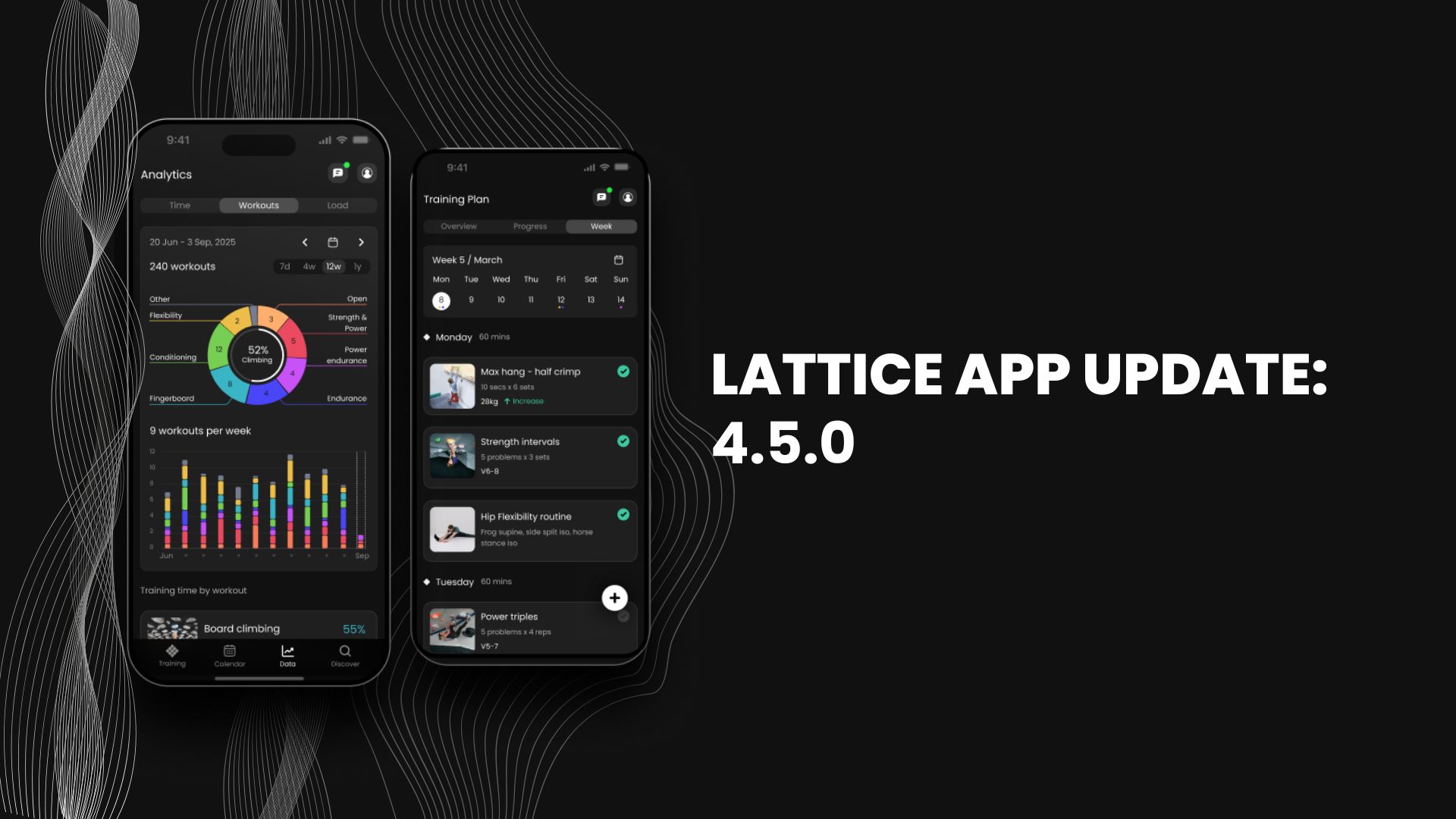
Version 4.5.0 of the Lattice app is here, and this release is all about how you set up a climbing training plan on the app. We've reworked the setup quiz - new question framing and smarter branching - so it adapts to what you're training for.
1. A plan setup that starts with your goal (LatticePlan)
There's a simple idea behind the new quiz: your plan should be built around your goal. Whether you're training for a competition or just want to feel good at the wall right now, what you need from a climbing training app is different - so the quiz now adapts its questions to match what you're after.
What do you want from your plan?
The first question is exactly that:
- Build strength and fitness: long-term improvement, happy to work hard
- Feel good climbing: perform well now and stay fresh rather than push into hard training
- Peak for an event, trip, or project: something specific coming up in the next 12 weeks
Whichever you pick, the follow-up questions branch to match - so you only answer the questions that matter for your goal.
Training Focus
The quiz now also asks about training focus - the area you'd like your plan to lean into:
- Forearm fitness
- Finger strength
- Balanced
(This is only the start for training focus, we've got a lot more in the pipeline!)
Ramp Weeks
Lastly, when you generate a new training plan after completing one, the quiz will ask if you'd like to begin your plan with a ramp week (a lighter first week to let your body adapt to the new training load and lower your injury risk), or would you rather skip it and dive straight in.
Behind the scenes, the plan length and end-date options, and the recommended number of training days, all shift to suit what you're training for.
One more thing worth mentioning: whether you're generating a new plan within the Lattice app, or signing up for the first time, all users will see this new version of the quiz.
2. Adding and removing sets, right from the timer
This one has been a common request for a while, and now, it's done!
You can add or delete sets directly on the timer screen mid-workout - no need to back out and change anything. It works across the different exercise types the timer shows, and any sets you add carry straight through to your workout log and the exercise cards.
Next up for the timer: editing reps and total time. Watch this space.
3. Chat
A few smaller changes that should make day-to-day use smoother:
- Chat unread indicator fixes (Climbing Training Plan PLUS): The green unread dot now clears the moment you send a message or open the chat, instead of lingering until the next check. We also added a "New messages" divider above your first unread coach message, and the unread count now shows in the Schedule header.
- Recording a voice message keeps the screen awake (Climbing Training Plan PLUS): We fixed an issue so that auto-lock can't cut a recording short halfway through.
Everything else
- The filter pills now show whenever the search bar is active - not only when you arrive via 'Find a Workout'
- Improved the colour options for the chat banner
Ready to try a LatticePlan? Take the quiz.
Comments (1)
 T
TThomas
·
June 24, 2026
Is there a roadmap of planned features/upgrades? It would be interesting to see what’s coming. A lot of good analytics being shared on SoMe – would be cool to see that in the app, how you as a user compare for benchmarks/training load vs. others of the same grade/higher etc.